Hide phone number when texting: what works on iPhone and Android
 TextedBy·November 28, 2026
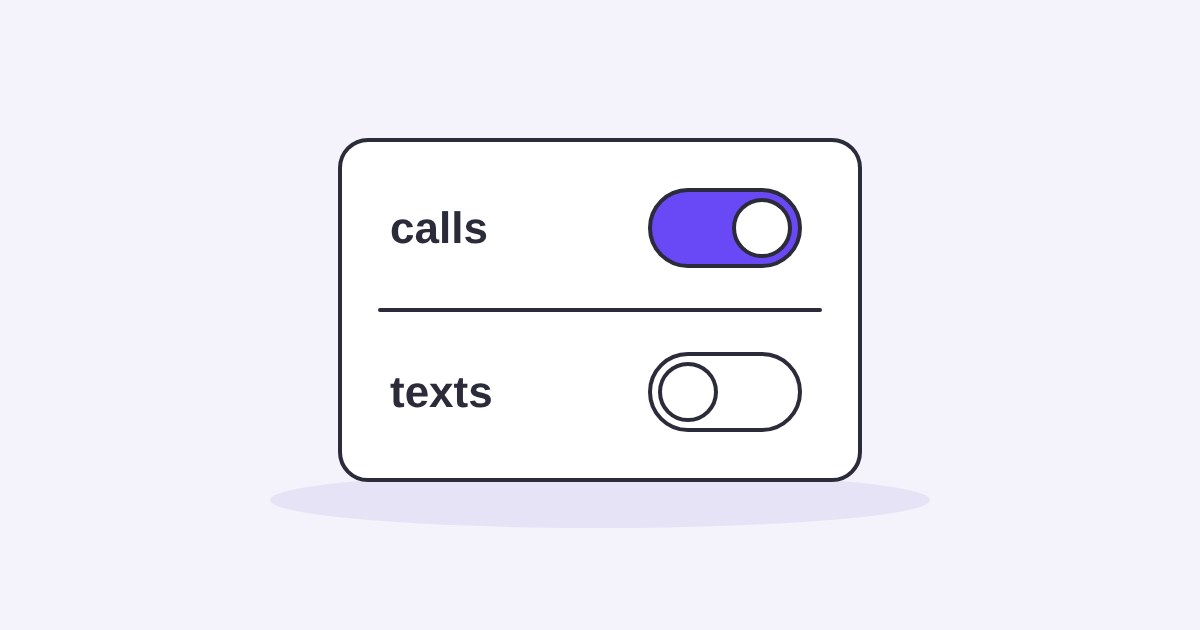
If you want to hide phone number when texting, the phone settings won't do it for you. The caller ID switch on iPhone and Android, and the *67 code in the US and Canada, hide your number on calls only. A regular text message always carries the number it was sent from. Below is what each phone can and can't do, what happens on WhatsApp, and the two ways to send a text that never shows your number at all.
Send a text without your number, right here
It goes out from our number. Yours stays private.
Hi Sam, the spare key is under the blue flowerpot by the back door. See you Sunday.
Contents
- Can you hide your phone number when texting?
- How to hide your phone number when texting on iPhone?
- How to hide your phone number when texting on Android?
- How to hide your number on WhatsApp?
- How to send a text without your number at all?
- Frequently asked questions about hiding your number
Can you hide your phone number when texting?
Not from your own phone line. The short answer is that your carrier puts your number on every SMS you send, and there's no setting on the phone that removes it.
This catches a lot of people out because calls work differently. When you place a call, your phone tells the network whether to pass your number along to the other side. That's what caller ID blocking is: a flag on the call that says "don't display this". In the US and Canada, dialing *67 before a number sets that flag for one call. Many carriers in other countries have their own code for the same thing, and phones have a permanent version of it in their settings.
Text messages have no such flag. An SMS is routed back and forth using the sender's number, so it has to travel with the message. If you type *67 in front of a number in your Messages app, the phone either treats it as part of the number and the text fails, or the message goes out normally with your number attached. Neither result hides anything.
So when people search for a way to hide their number on a text, they usually land on one of three things:
- A phone setting that turns out to cover calls only
- An app-level option, like starting iMessage chats from an email address, that swaps the number for something else that still identifies you
- Sending the message from a different number entirely
Only the last one lets you hide phone number when texting in the full sense, with nothing of yours on the other person's screen. The sections below go through the phone settings first, so you know exactly what they do, and then the options that actually work for texts.
How to hide your phone number when texting on iPhone?
An iPhone gives you two settings that look related. One hides your number on calls. The other lets iMessage start conversations from your email address instead of your number. Menu names move around a little between iOS versions, so treat these paths as a guide rather than an exact map.
Show My Caller ID (calls only)
- Open Settings.
- Tap Phone. On newer versions of iOS, go to Apps first and then tap Phone.
- Tap Show My Caller ID.
- Turn the switch off.
With this off, people you call see "No Caller ID" or "Unknown" instead of your number. It has no effect on text messages or iMessage. Some carriers don't offer the option at all, in which case the menu is greyed out or missing, and you'd need to ask your carrier whether they support it on your plan.
Start new iMessage conversations from your email
- Open Settings.
- Tap Messages, then Send & Receive.
- Make sure your Apple ID email address is ticked under the addresses you can be reached at.
- Under "Start New Conversations From", choose your email address instead of your phone number.
New iMessage threads you start will now show your email to the other person rather than your number. There are two catches. First, this only works when the person you're writing to also uses iMessage on an Apple device. If they have an Android phone, the message goes as a regular SMS, and SMS always uses your phone number. Second, your email address is still personal. If it contains your name, you've swapped one identifier for another. Existing conversations also stay tied to whatever address they started from.
So on iPhone, you can hide your number on calls, and you can show an email instead of a number on some iMessages. You can't send a regular text with nothing attached.
How to hide your phone number when texting on Android?
Android phones have a caller ID setting inside the Phone app. Because each manufacturer builds its own version of the dialer, the menu names differ from one maker to the next, but on most phones the path looks something like this:
- Open the Phone app.
- Tap the three-dot menu and choose Settings.
- Look for Calls, Calling accounts, or Supplementary services (some phones put it under More settings).
- Tap Caller ID or Show my caller ID.
- Choose Hide number.
If you can't find it, search for "caller ID" in the main Settings app, which works on many phones.
Like the iPhone setting, this hides your number on outgoing calls only. It doesn't touch the Messages app, and texts you send after changing it still show your number. Some carriers also override the setting or don't support it, so a call can still show your number even with Hide number selected. If that happens, your carrier is the one to ask.
There's no equivalent in Google Messages or the texting apps that come with Samsung and other phones. Chat features like RCS still identify you by your phone number, so they don't help here either.
How to hide your number on WhatsApp?
You can't hide it inside WhatsApp. A WhatsApp account is built around the phone number it was registered with, and anyone you message directly can see that number. Privacy settings let you control who sees your profile photo, about text and last seen time, but the number itself stays visible to the people you chat with.
The only way to keep your main number off WhatsApp is to register the app on a separate number, such as a second SIM or a second-number service that can receive the verification code. Whether that's worth the setup depends on how often you need it. For a one-off message to someone who doesn't need to reach you back, it's usually more effort than it's worth.
How to send a text without your number at all?
If the goal is a text that arrives without your number on it, you need to send it from a number that isn't yours. There are two common ways to do that.
A texting website. This is what TextedBy does. You pick the country from a list, type the phone number, and write a message of up to 160 characters. It goes out as a normal SMS from our number, so the person sees our number, not yours. We don't add your name, and we never ask for your phone number. Before you pay, the message goes through a quick automatic check, which helps keep messages safe for the people who receive them. You pay per message, and if you want, Delivery Tracking shows you when the message has been delivered. Your email becomes your account, and you sign in with a link we email you, so there's no password to remember.
The trade-off is that it's send-only. Replies don't come back to you, so it suits messages where you don't need an answer: a reminder, a heads-up, a note to someone you'd rather not share your number with yet. Links aren't allowed in messages, which keeps them plain and readable. If the person you're texting doesn't want messages from us, they can opt out at any time on our /opt-out page.
A second-number app. These give you an extra phone number that lives inside an app. You can send and receive texts on it, which is handy if you expect a back-and-forth. You usually create an account and keep the app installed to use the number.
Those aren't the only routes. Email-to-text and a prepaid SIM can also work, and each has its own setup and limits. We compare all four ways to text anonymously side by side in a separate guide, so you can pick the one that fits.
For sending SMS without your number in a single sitting, though, a website is the fastest: no download, no extra SIM, and nothing to change in your phone settings.
Frequently asked questions about hiding your number
Does *67 work for texts?
No. *67 is a call feature in the US and Canada. It tells the network not to show your number for that one call. Text messages don't use it, so adding *67 in front of a number in your Messages app either stops the text from sending or sends it with your number visible as usual.
Can you block caller ID on text messages?
Not from your own phone. Caller ID blocking on iPhone and Android, and the codes carriers offer, apply to calls. An SMS always carries the number it was sent from. To keep your number off a text, the message has to come from a different number, for example through a texting website or a second-number app.
Can someone see my number if I text from a website?
With TextedBy, the person sees our number as the sender, not yours. We never ask for your phone number, so it isn't attached to the message, and we don't add your name to it either.
Related posts

November 28, 2026
How to text anonymously: four ways that work
How to text anonymously: four ways, what each one hides from the other person, and a form to send one right now.
TextedBy
November 28, 2026
Online text message sender: which type to use
Online text message sender options compared: free sites, email to text, phone-linked apps and pay-per-message. Pick the right one.
TextedBy
November 28, 2026
How to text a number online without saving it
How to text a number online without saving it as a contact: the steps, the right number format, and a form to send it now.
TextedBy